Drone Controller Repair for Pairing Failures, Weak Signal & RC Problems
Controller and link issues can prevent takeoff, limit range, or interrupt a mission. Leotech Solutions Inc reviews pairing behavior, antenna condition, app connection, joystick response, and transmission warnings for drone operators in the NYC metro area.
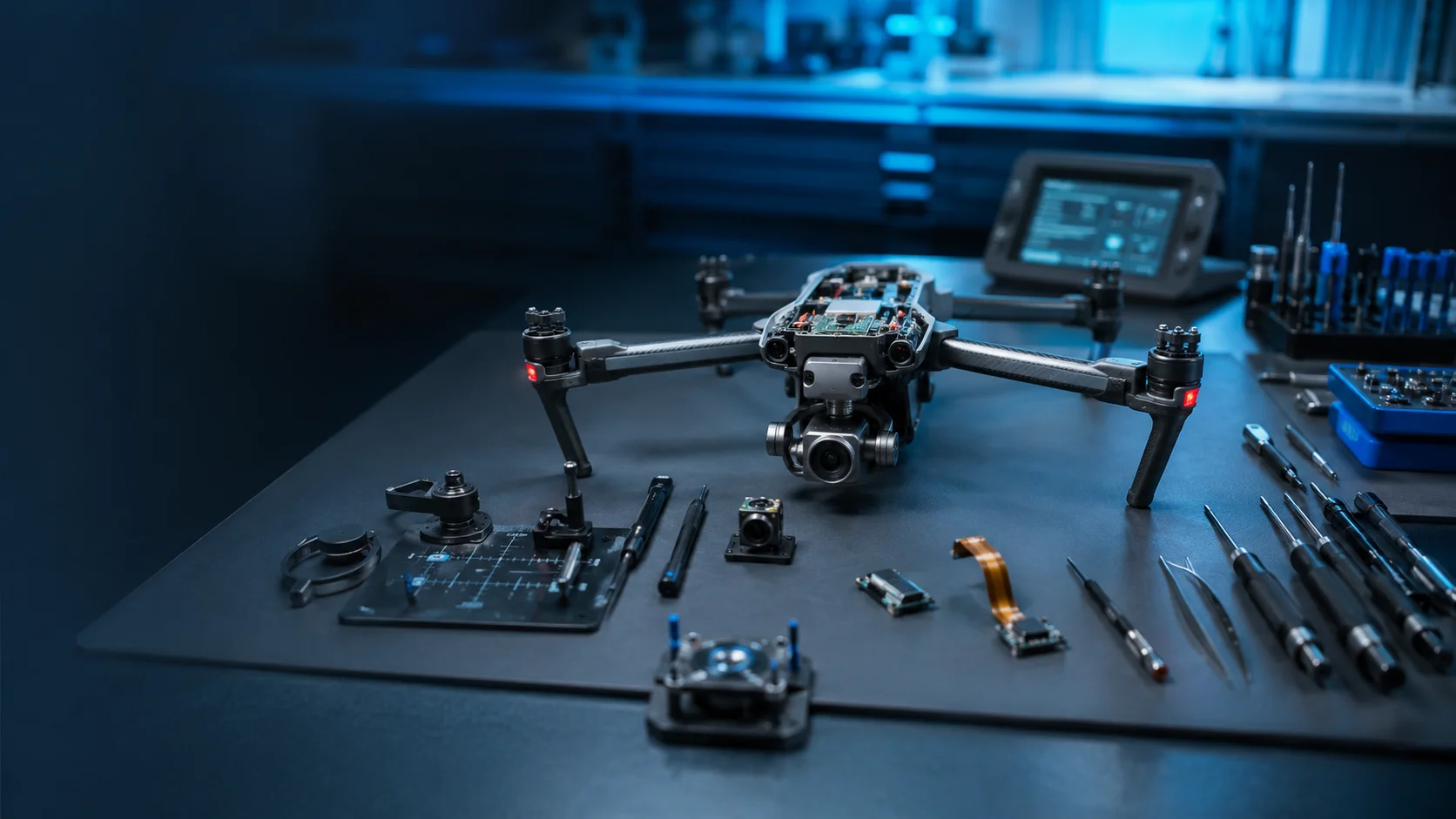
What This Drone Service Covers
Focused intake for drone operators who need a clear path from symptoms and errors to a practical bench evaluation.
Pairing Failure Review
Document controller binding issues, app recognition problems, firmware mismatch symptoms, and aircraft link failures.
Remote Hardware Intake
Review joystick drift, damaged antennas, charging port issues, buttons, screens, and USB-C connection symptoms.
Signal Reliability Triage
Collect range, disconnect, and weak transmission details before planning controller or aircraft-side diagnostics.
Send These Details With Your Drone Request
Controller & Link Evaluation Workflow
A structured intake process helps the drone lab understand the aircraft, fault pattern, and required bench review before repair planning.
Describe the Connection Issue
Tell us whether the controller, app, aircraft, or video feed is failing to connect.
Share Hardware Details
Include controller model, aircraft model, cable type, mobile device, and any visible port or antenna damage.
Link Review
The lab reviews whether symptoms point to RC hardware, aircraft receiver, firmware, or app connection problems.
Coordinate Next Step
We follow up with controller repair, aircraft-side diagnostics, or pairing support next steps.
Request Controller & Link Evaluation
Provide the aircraft model, controller warnings, crash history, and photos for a focused lab review.
Controller & Link FAQs
Clear answers regarding our technical diagnostic process, service areas, and equipment requirements.
Have a question not listed here? Our intake specialists in Freeport are here to help.
Call us directly at (929) 356-6882Need Controller & Link Help?
Send the model, symptoms, and photos so the drone lab can review the correct next step.